

app.tsx screen comes back, live on real data.
One ask, one app
The plan’s skeleton paints in seconds. The finished screen replaces it in place.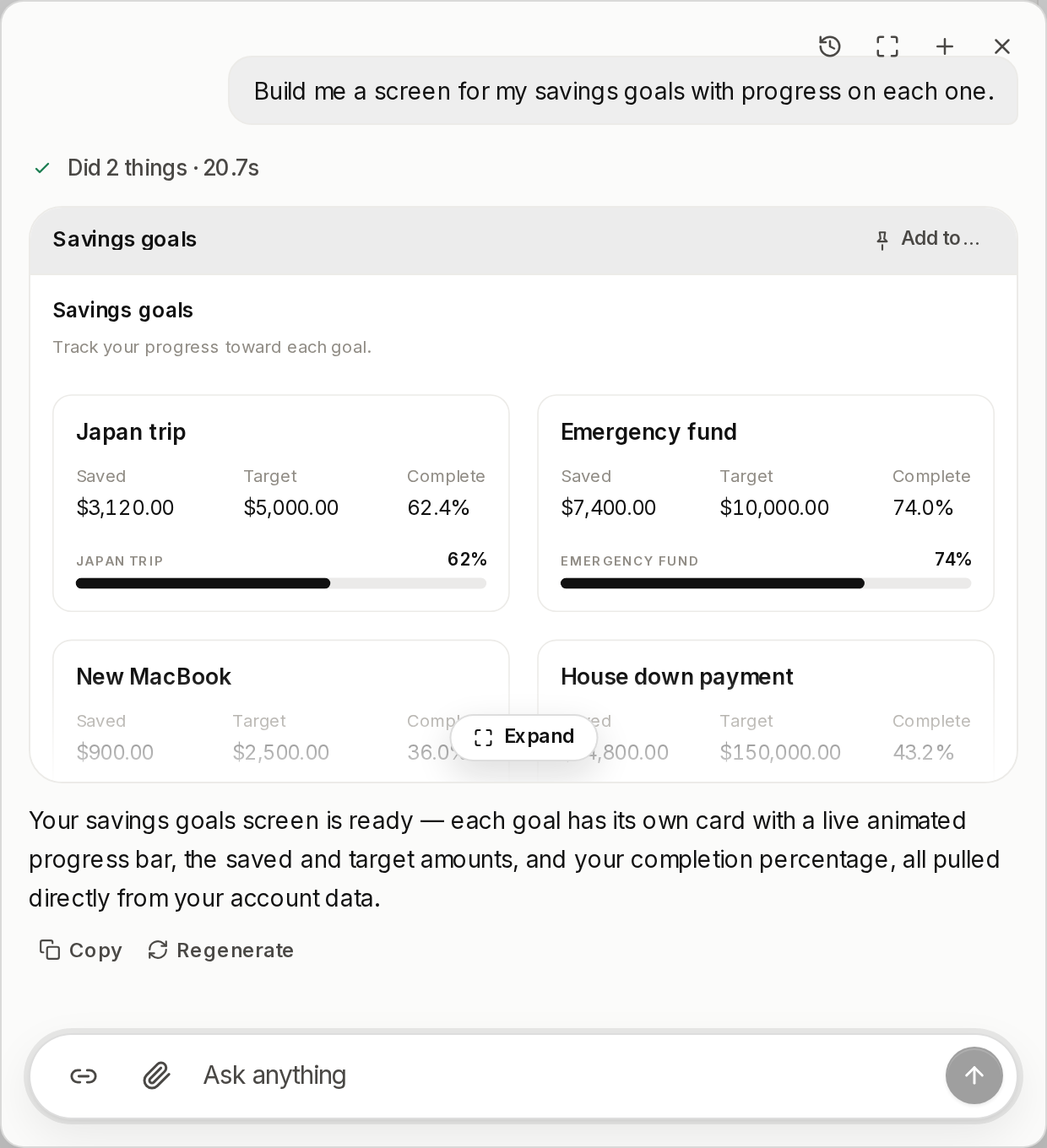
The screen re-runs on every open, so it opens on today's numbers. There is no snapshot to go stale.
app.tsx
useQuery is synchronous and hands back the tool’s own result, so field names come off the tool’s schema. tools.<name>(args) is the only way a screen changes anything.
When an ask is bigger than a screen
Most asks are one screen. When one is not, the tool says so and stops: it raises a standing approval card and returns, having spent nothing. The card waits for the person, however long that takes. On yes, a disposable sandbox builds the app once — npm from the registry, a coding agent inside the box, tested against reality — and then the box is released and dies. What comes home is sealed: an immutable, content-addressed bundle stored as blobs, alongside its source and lockfile. Every seal is a version.The gate. A build is gated on one thing, a configured
sandbox adapter. Without one the ask is refused rather than offered.sandbox="allow-scripts" without allow-same-origin, so the frame has an opaque origin, and a Content-Security-Policy: default-src 'none' header, so it makes no network request at all. Your brand tokens and fonts are injected at render, never baked into the seal, so one seal follows your palette rather than pinning the one it was built under.
Host data reaches the frame through one postMessage bridge into the guarded tool door, with the viewer’s own permissions.
An edit reseals from the stored source in a fresh box.
What a screen may write
A small closed surface, enforced at save rather than advised in a style guide.Allowed
reactand@vendo/screen, and nothing elseuseQuery("tool_name", { literal }), read tools onlytools.tool_name(args), from a handler<Stack><Row><Grid><Text><Stat><Button>- the components you registered
<div><p><h2>, children and an inlinestyle- React state through
useState
Refused
- any third import,
import(…),require(…) - a query input from a prop, state, or another query
- a write tool inside
useQuery - a tool call in the render body
documentfetchsetTimeoutprocess<img><script>, orclassNameon a display tag- a component you never registered
Own it
Nobody uses someone else’s app. They get their own copy of it.Import and fork each mint a fresh app_ id.
Where to go next
In-client venue & approvals
An approved version can render in your page instead of the sandbox.
approve → pinned version hashHost components
Register your own components and a screen renders your real UI.
Kit + the ones you registeredImport & fork
How a copy is minted, and what it deliberately leaves behind.
import → app_c0d6b562…