

1
Install and run init
VENDO_API_KEY in .env.local, and adds Vendo’s serverExternalPackages entries to your Next config.Init wrote lib/vendo.ts for you (src/lib/vendo.ts when your app lives under src/) — the createVendo call, and the caller resolver beside it, so your chat route, your wire route, and the pack all share one instance.lib/vendo.ts
authJs() for another preset any time (Auth lists all five).With no provider yet, init wrote a demo principal in place of a preset, and the resolver beside it hands your chat route that same subject:lib/vendo.ts
2
Spread the tools in
app/api/chat/route.ts
vendoTools returns a Promise, so the pack is built per request, inside the handler. Every tool lands under a vendo_ prefix — one per registered host action, plus vendo_make (a live view) and vendo_delegate (a whole task for Vendo’s own agent); trim the pack with include or exclude by final tool name.3
Render the embeds
app/page.tsx
/api/vendo and rides your host session cookie. The shim declares every tool with dynamicTool, so they stream as dynamic-tool parts, and one component covers plain data, app refs, and approval refs. Full contract: Embeds in your chat.4
See it live
Run your own chat and ask for something behind your API. The answer comes back as a working card, inside your own bubble.Init wrote 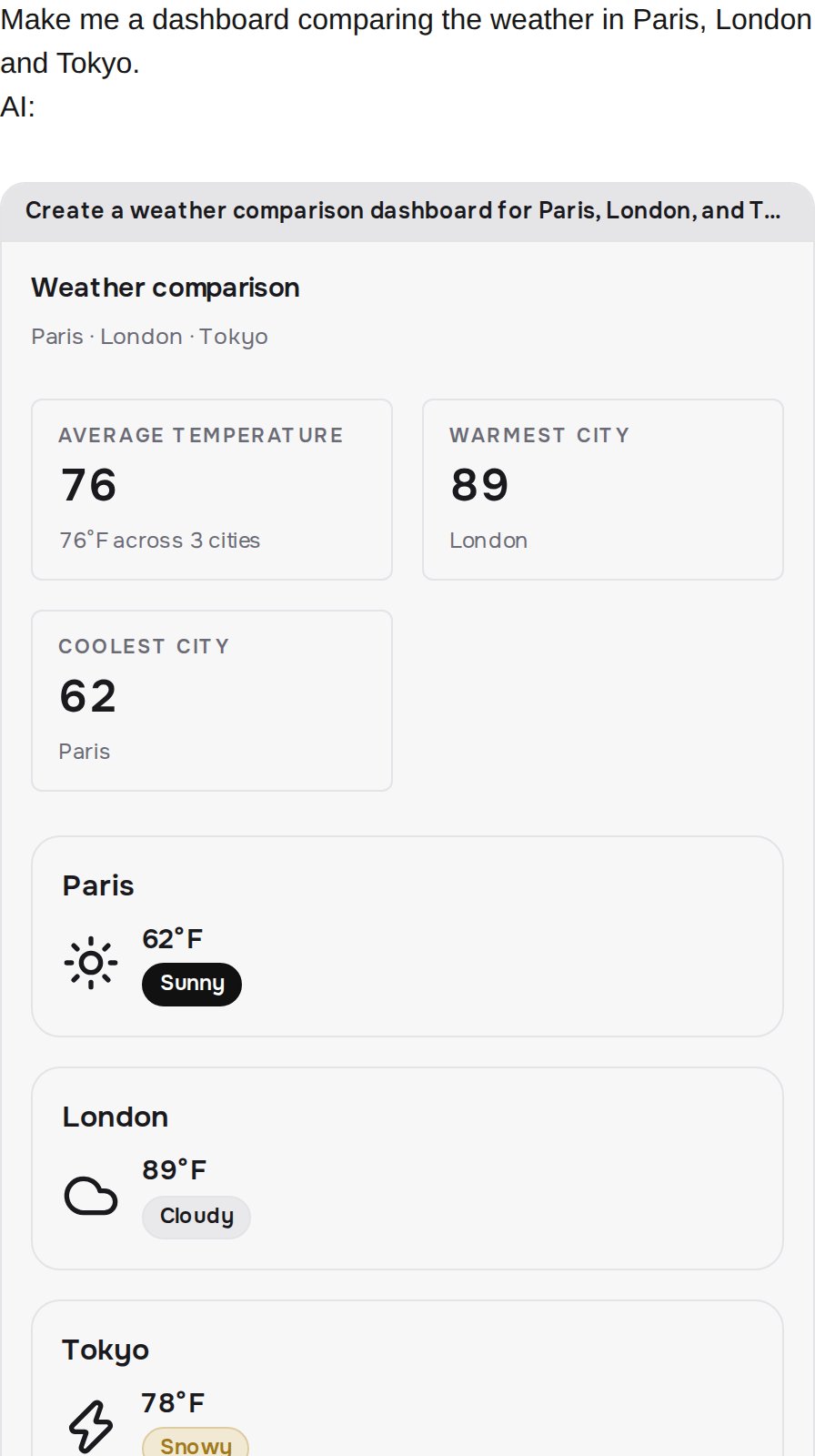
VENDO_BASE_URL into .env.local; deployments set the same variable to the public URL, path prefix included (environment variables).Apps in your product
Your agent can build apps now. Where they land in your product, and how to teach your model when to build one, is one more quickstart: Apps in your product.The full example
examples/ai-sdk-agent is the stock AI SDK Next.js chatbot with this diff applied. Every added line sits between --- vendo and --- /vendo markers, so grep shows you the whole integration.